01Setup guide
How to add engine sounds to your Tesla
It takes about a minute, and there’s nothing to install. Watch the walkthrough or follow the steps below.
02Step by step
In your Tesla
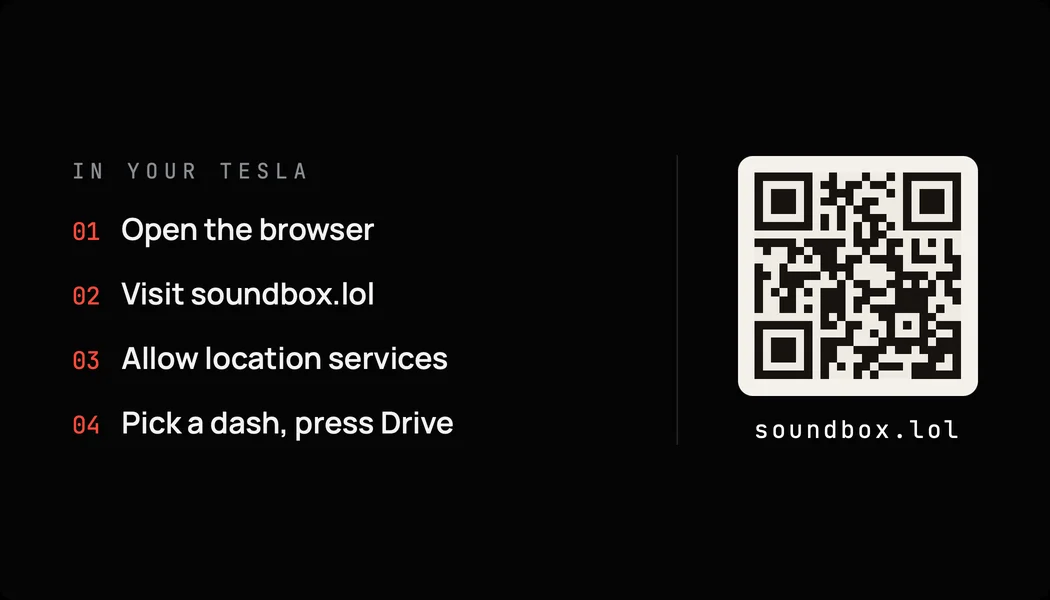
Park and open the Browser
While you’re parked, tap the Browser in your Tesla’s app launcher.
Go to soundbox.lol
Type soundbox.lol in the address bar and tap the star to bookmark it, so next time it’s one tap away.
Allow location
The first time it loads, the browser asks to know your location. Tap Allow. Your GPS speed is what drives the revs and the gear shifts.
Your location stays in your browser. Soundbox only uses it to work out your speed and doesn’t save it or send it anywhere.
Swipe to pick a dash, then tap Drive
Each dash in the Garage is a different car with its own engine sound. Swipe left and right to browse, then tap DRIVE.
Press START and drive
Turn the volume up and press START. The sound plays through your car’s speakers. Once you’re moving, Soundbox runs on its own, so there’s no need to touch the screen.
The label under the GPS switch shows your speed when it’s working. If it says SEARCH, give it a few seconds with a clear view of the sky.
Make it yours (optional)
Tap Customize to transform the gauges, swap the engine, bolt on parts, pick a scene and restyle the pedals. Tap Save and your build shows up first in the Garage.
03Troubleshooting
If something’s not right
The engine isn’t following my speed. What do I check?
Look at the label under the GPS switch in Drive mode.
A speed (like “42 MPH”) means it’s working. “POS” means the speed is being worked out from your position because the browser didn’t send one, which also works.
“SEARCH” means it’s waiting for a location fix. Give it a few seconds with a clear view of the sky.
“BLOCKED” means location permission was refused. Allow location for this site in the browser’s settings, then reload.
“NO UPD” means the browser stopped sending locations, usually because Soundbox isn’t on screen. Keep the Soundbox tab open and in front.
Why is there a small delay when I pull away?
Browsers only report your location about once a second, so the first moment you set off or lift off can take up to a second to register. Between updates Soundbox predicts your speed so the revs keep moving smoothly.
I can’t hear anything.
Turn the volume up and press START. Browsers only play sound after a tap, so the first tap wakes the audio.
Keep Soundbox on screen, since switching away can pause sound. On an iPhone, the silent switch mutes browser audio, so switch it off or use Bluetooth.